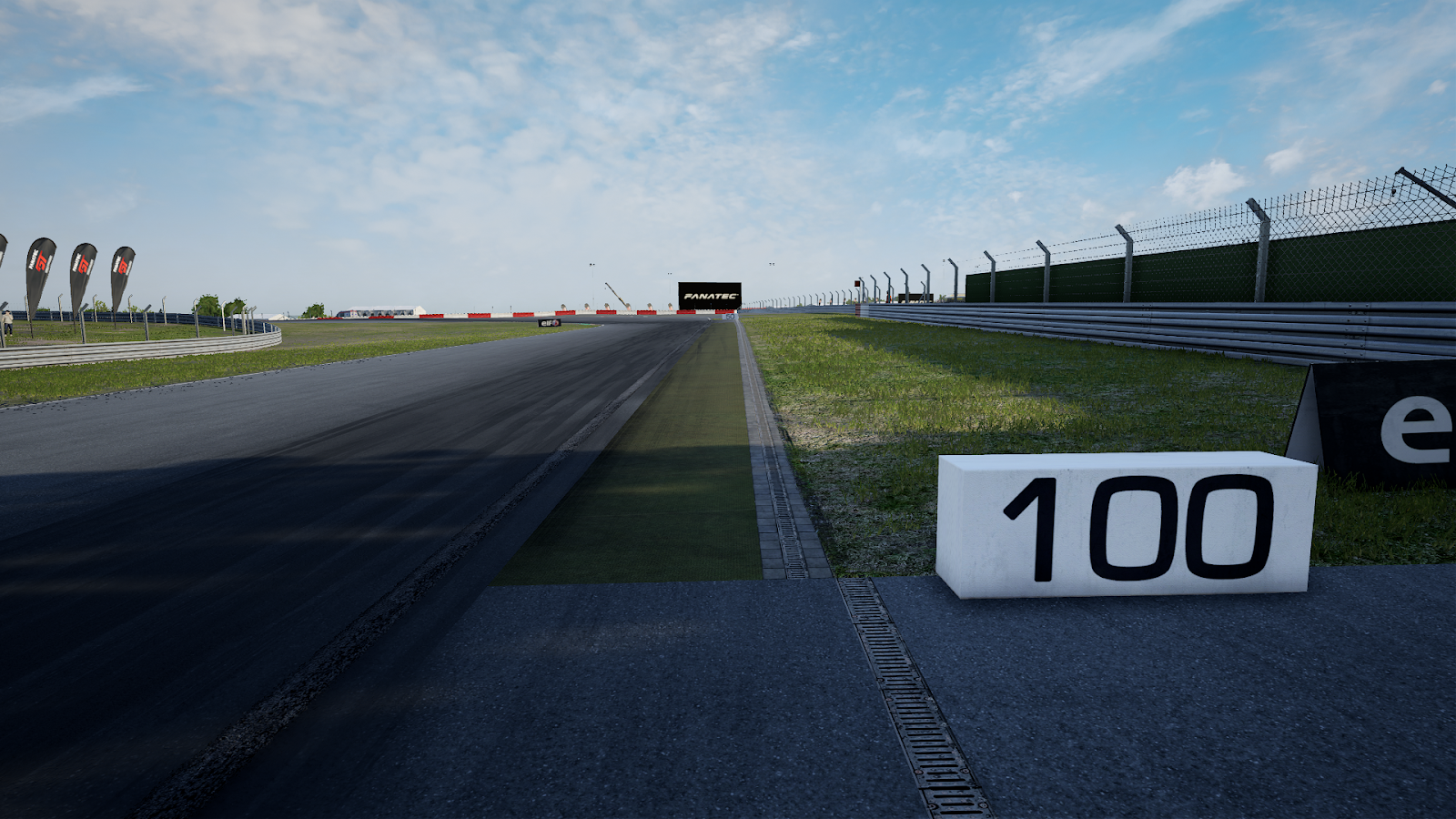
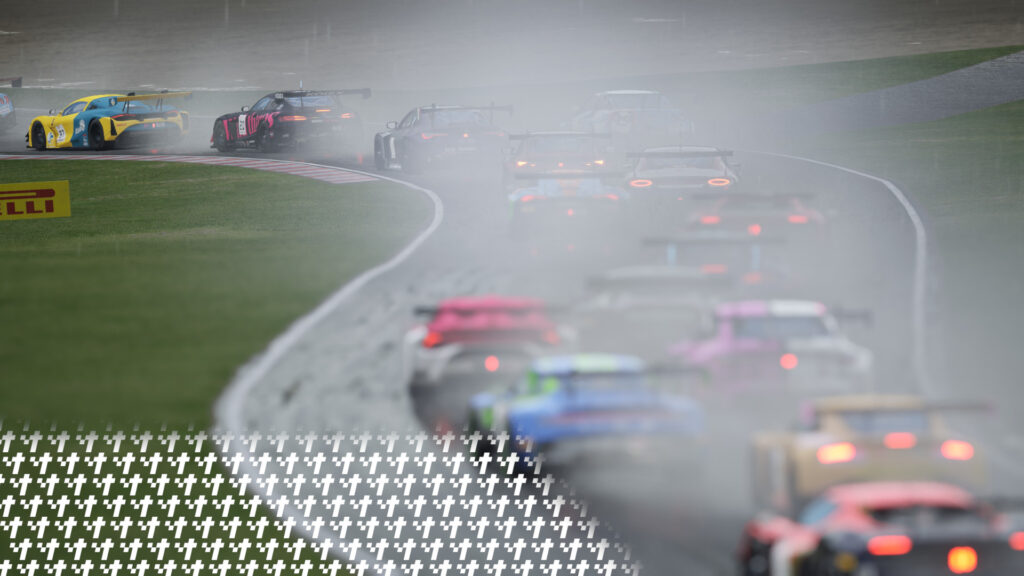
In racing, which could extend to driving in general, braking is just as important of a thing to do as accelerating - you need the tires to be able to accommodate the grip of the corner you're taking. Otherwise, you could understeer the car, potentially to a bad outcome, because you've overloaded the front tires due to the resulting lack of grip.
When, and where you can start braking is especially important in racing, as it's a major factor in determining your pace in a lap. Brake too early, and you'll come to a stop in the straight and slow yourself down. Brake too late, and you'll end up in a barrier or gravel trap. There exists a middle ground where you can slow down just enough to take the corner quickly, but also not bring detrimental effects to your lap time.
But how do you find where, and when to brake, you may ask? That's when this particular guide from a tracc.eu driver will help you figure out how to find your braking point.
First, Let's Address the Ideal Line Assist
I have been a tracc.eu sim racer mostly playing Assetto Corsa Competizione (and sim racing myself, as I started my journey with tracc.eu) for roughly 1¾ of a year. I have used the ideal line assist for some part of it, but I have moved away from using the feature.
If you have zero hours in anything sim racing related, and you're just getting started with maybe a controller you have, or a basic wheel like a G29 or T150, it's obvious that you would want to turn the ideal line assist on to get a grasp of when and where you should brake, and accelerate.
This only hurts your driving ability long term however, as you're sort of handing over your ability to judge braking/accelerating zones to a line that's laid on top of the track. You should not do that, as it'll just slow you down when you eventually grab some pace and know how the cars you're driving work.
It will also be detrimental in lap 1 or safety car/caution restart situations, where cars are grouped together which slows the overall pace down, and where there's a real risk of collision. Relying on the racing line to know where to brake is a massive no, as you're required to brake much earlier to accommodate for cars around you.
This basic "line red, brake, line yellow, lift, line green, accelerate" logic can only work for so long before you get into the nitty gritty of things - sim racing is quite a precise endeavour as you'll find out later into your respective careers.
Overall, I'm not saying you should never use this assist. But you should definitely turn it off once you have gotten the grips of sim racing, and the handling characteristics of the cars you drive.
Types of Brake Markers
There are three types of brake markers that you need to consider before getting ready to find your ideal braking point. These are:
- Static meter boards
- Destructible meter boards
- Trackside objects
Static meter boards are the simplest and easiest to use form of brake marker. They will typically have the distance to the corner, or type of corner written on them. They are static as in they are not movable or destructible and you can always rely on them to use as a brake marker.
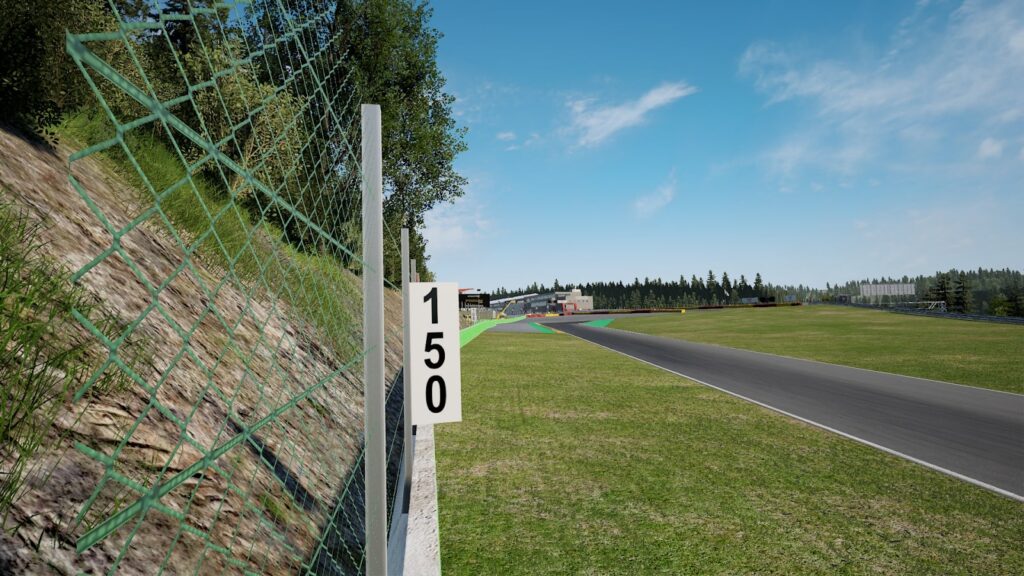
Destructible meter boards work the same way as static ones, apart from one crucial difference - they can be destroyed, thus leaving you with no brake marker to use. This is when the trackside object comes into play, which will be listed below
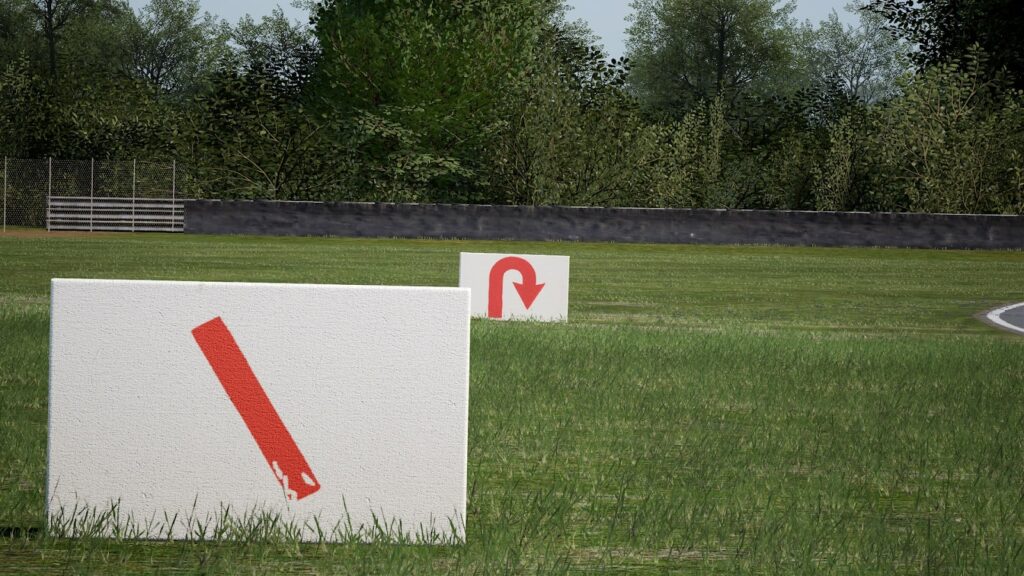
Trackside objects are your fallback option, in case the meter boards aren't what you are looking for as your brake marker. They can also be used when the destructible ones have been destroyed or moved from their original location. They can be any static object you can easily tell with your eye while driving at high speeds, such as curbs, surface changes, or marshal posts.
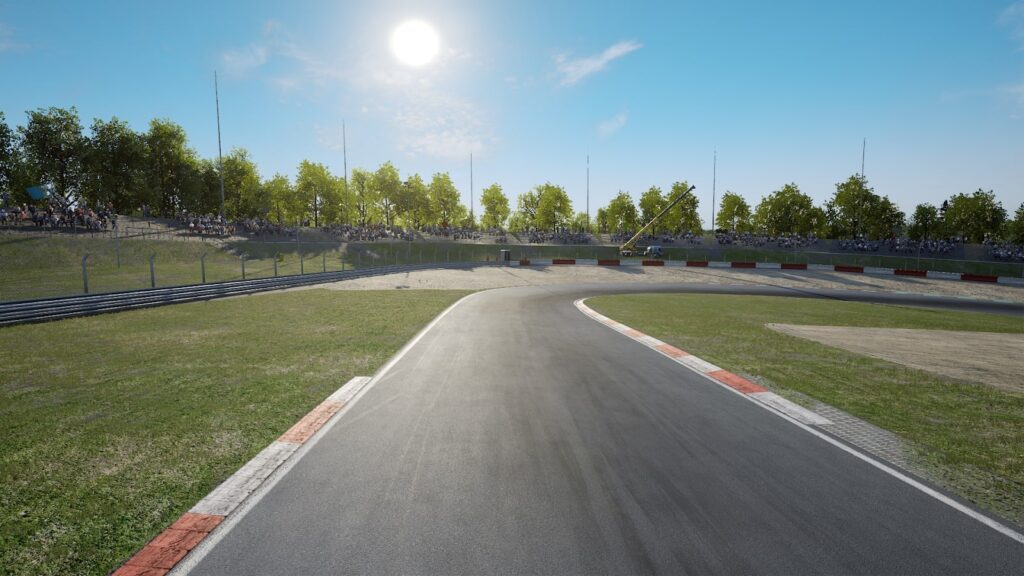
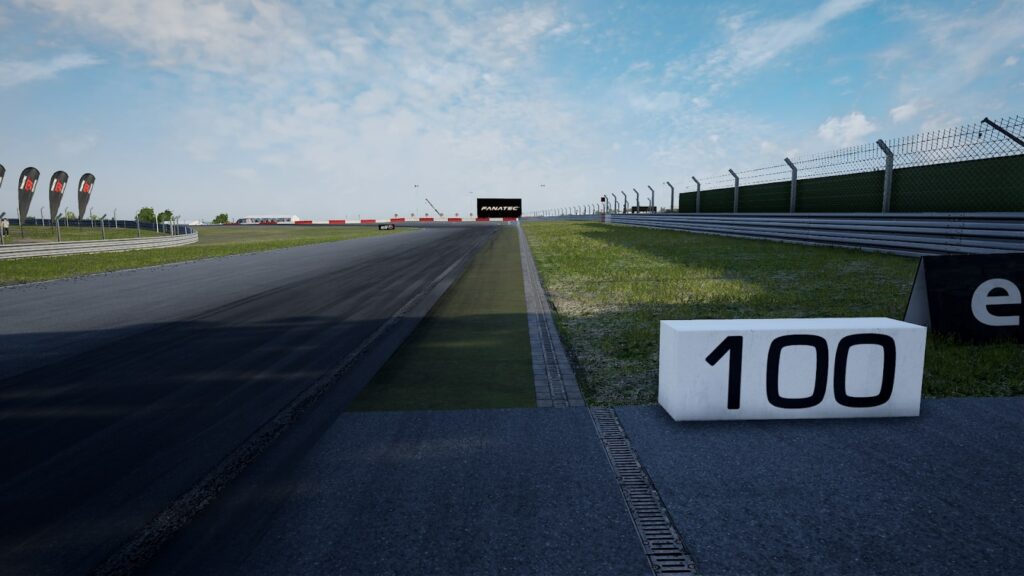
When that brake marker gets destroyed, you can use where the green surface begins as your braking point.
Now, Let's Find Your Braking Point
For this simple example, we'll use the end of the Kemmel straight at Spa-Francorchamps as it's a good example of utilizing both meter boards and trackside objects to judge your ideal braking point.
You do not always have to brake at the exact place of anything! You can brake in between, just before, or just after any brake marker that you have chosen.
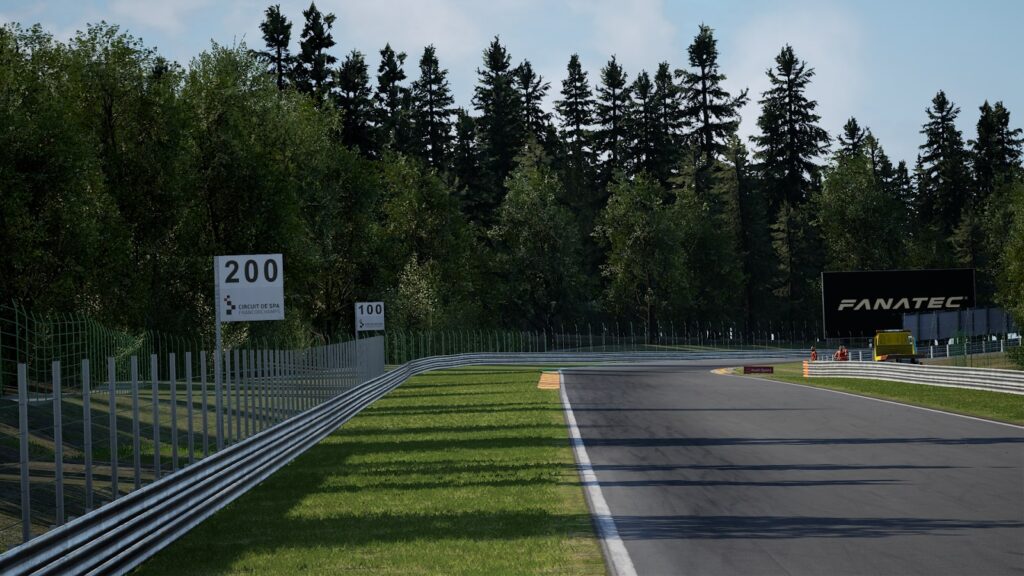
First, on your out lap of the track, try braking at the earliest meter board - shown in this picture is the 200 meter board. You will find that you have stopped too early for the corner, thus losing time, Keep going on your lap and use this same logic for any approaching corner that has a meter board / trackside object you can use.
On your first flying lap, brake between the 200 and 100 meter board. You will find that you have come closer to the corner once you have slowed down sufficiently. This is a good sign and it means you’re approaching the ideal braking point. Try braking a little bit later on your second flying lap, as you may have a different exit speed out of Eau Rouge & Raidillon.
On your third flying lap, brake just before the latest meter board - the 100 meter board, or you can utilize the trackside object available to you - the beginning of the left side curb. Brake just before that curb too as it's in the same spot as the 100 meter board. There you will find that when you have slowed down enough to make the corner, you ARE indeed making the corner at an acceptable speed now. You have just found your braking point into the Les Combes chicane.
The entire process will be visualized in the below image:
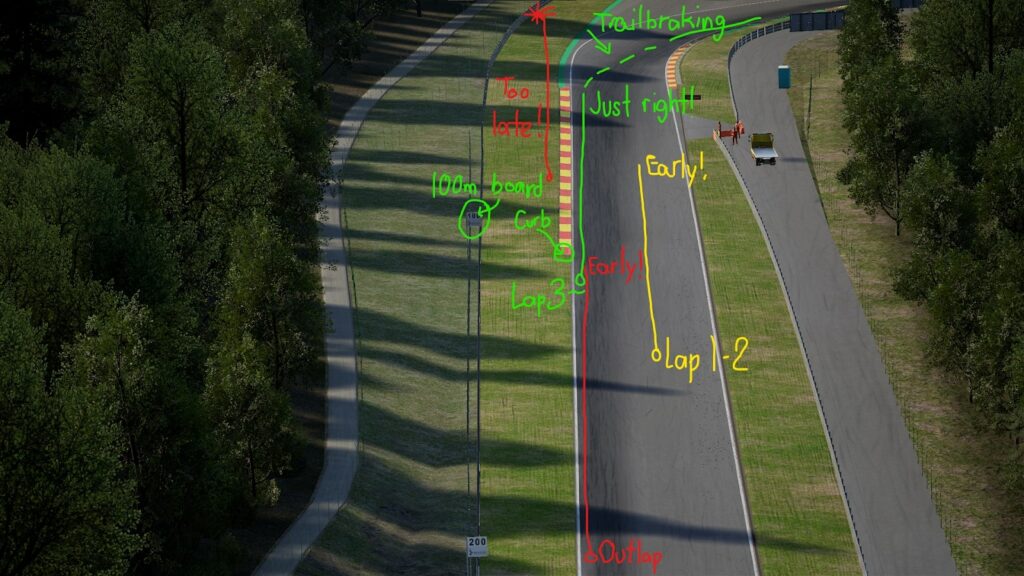
As you can see, now that you've found a safe braking point to use, you can try pushing a bit more to see how late you can brake before you start missing the apex, or no longer able to make the corner. Since your speed out of Eau Rouge & Raidillon (same can be said for the exit of any corner) always varies a bit, it's always a better idea to brake at the markers that you have memorized to be a safe one, even if it’s just a little bit detrimental to pace.
Here's another example at Hungaroring's turn 5, where there is a static meter board, and a couple of trackside objects to utilize. Apply the logic that you have just learned, and this is how you can find the braking zone of turn 5:
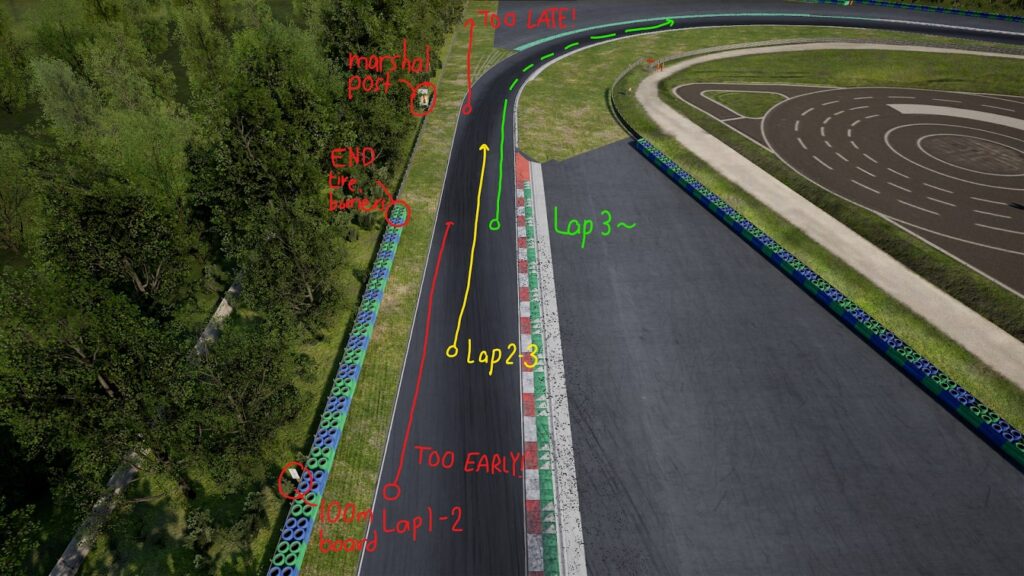
Try It Yourself
Launch any sim of your choice, and use the tips listed above to start learning a track you don't know yet. By using this method, you can learn the track's braking points to an acceptable degree in 4 or 5 laps.
The fewer corners the better, so try a simple track like Monza first, which has static meter boards, destructible meter boards and trackside objects for you to practice with.
If you want a friendly racing environment to learn sim racing together with, feel free to check out our SimGrid host page and join our Discord server where people will be keen to help each other out. We hope to see you on the racetracc together with us!