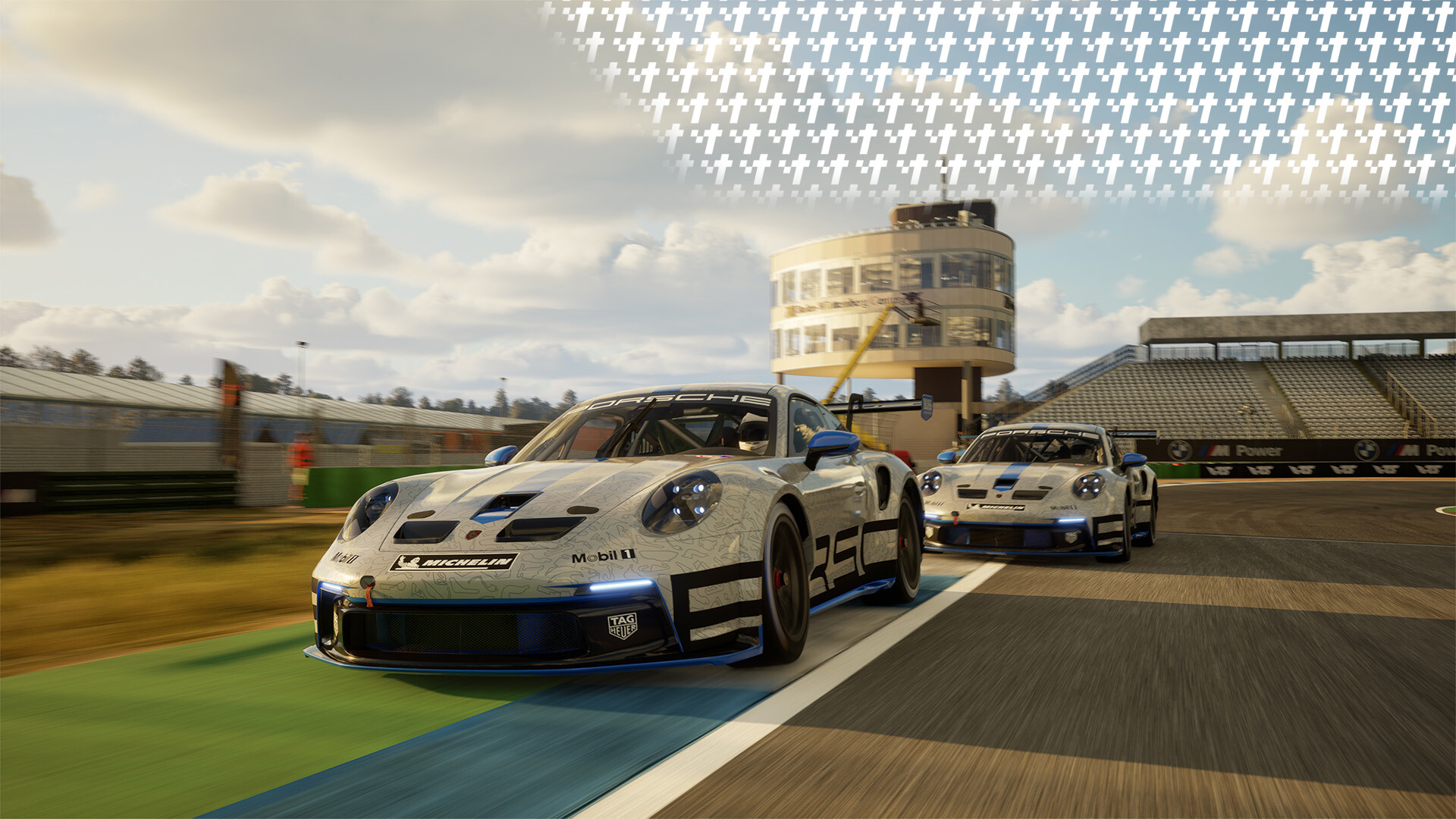
RENNSPORT, the ambitious German simulator is finally on Steam. Having only been available on Epic Game Stores previously, this marks a point of accessibility and publicity for the sim racing game. But what can you expect when adding it to your library, installing it and then running it?
How to Install RENNSPORT
In order to install RENNSPORT, you have to visit its steam page here. After scrolling down a bit, you will see a button called "Request Access".

Once you pressed on the green button, the entire region should immediately change to this:

By pressing the "Play Now" button, the game will be added to your Steam library and downloaded. 17.3GB of downloading later and RENNSPORT will be ready for installation.
Presumably, the "Request Access" is due to this being either a timed exclusivity or an exclusivity based on the amount of players. Either way, for now you should be able to immediately be granted access.
What to do Next?
With the download finished, you'll be able to press the "Play" button and launch the game. You'll be greeted by a login screen. Just follow the instructions to log in via either your login data, RENNSPORT app or create a new account. Once logged in, you're going to have access to all the features that RENNSPORT offers.
Currently, there is a selection of online-multiplayer and singleplayer experiences you can go through. A selection of different online racing series has an event launching every few minutes in the European evening. So that's where you can spend a bit of time trying out the netcode.
Offline, you can start a "Quick Session", which in the future is supposed to allow players to race against AI opponents. For now, however, it's only a singleplayer experience with different sessions. Furthermore, you can also participate in time trials and try challenging the leaderboards of existing circuits.
Talking of which, let's take a look at the content currently available in RENNSPORT.
The Content of RENNSPORT
RENNSPORT currently features a quaint selection of cars and circuits.
The cars involved are mostly GT-style cars, and except for 2, all German.
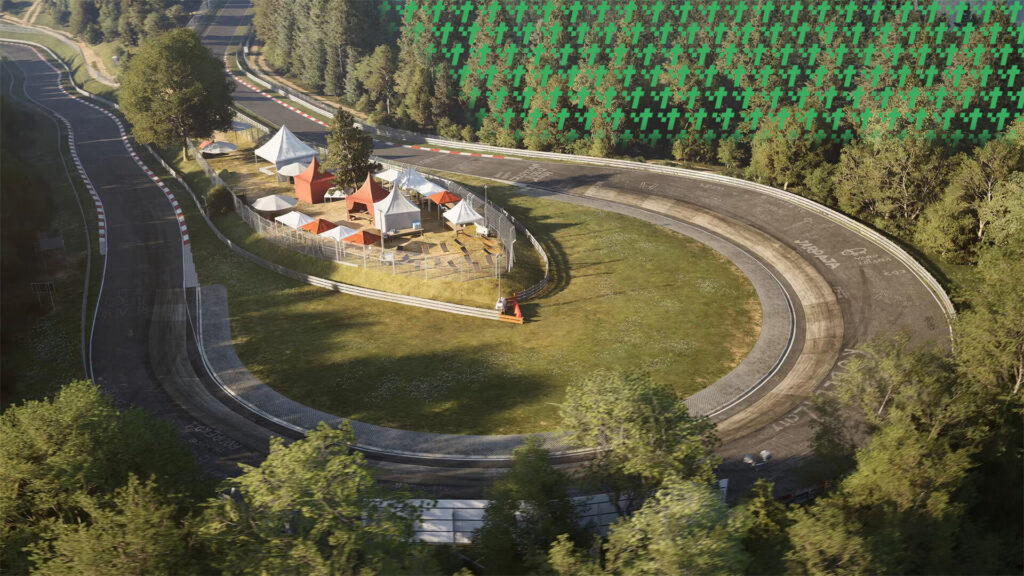
Circuits, on the other hand, are a bit more varied:
Technically, the Nordschleife and the Porsche GT3R Rennsport are also available via in-game purchases, however, when I tried accessing the store, I got a message saying "Store is currently unavailable. Please try again later."
At least it doesn't look like RENNSPORT's digital ownership model is going to be like expected.
If you want to try out RENNSPORT, you can get it for free via Steam.
RENNSPORT has a wide support for Fanatec wheels, so if you want to have a great experience racing, check out all that Fanatec has on offer.
And if you need to calculate fuel for your next race, check out our fuel calculator here!